Week 0 Hacks
Week 0 Hacks
Week 0 Hacks
Part 1 - FastpagesProvide a comment on this page to show Fastpages/GH Pages Web Server and Tool success Fastpages
Hint. Make a simple comment “Working on it”. This can be edited by clicking on Time Stamp of post; at this point you will see triple dots (…); clicking dots provides an Edit option; clicking Edit takes you to a friendly “Markdown editor”. Enjoy this editor, my suggestion is build your entire message in thi editor and/or build personal message in Fastpages / GitHub pages “_post” and share the following.
Share link to personal Fastpages / GitHub pages running on github.io. My suggestion is to change index.html to show it is really yours.
Share link to a new page (_posts) in your Fastpages project show use of Markdown and/or HTML fragments. You will need to learn special date requirements of a file as well as a little Markdown or HTML.
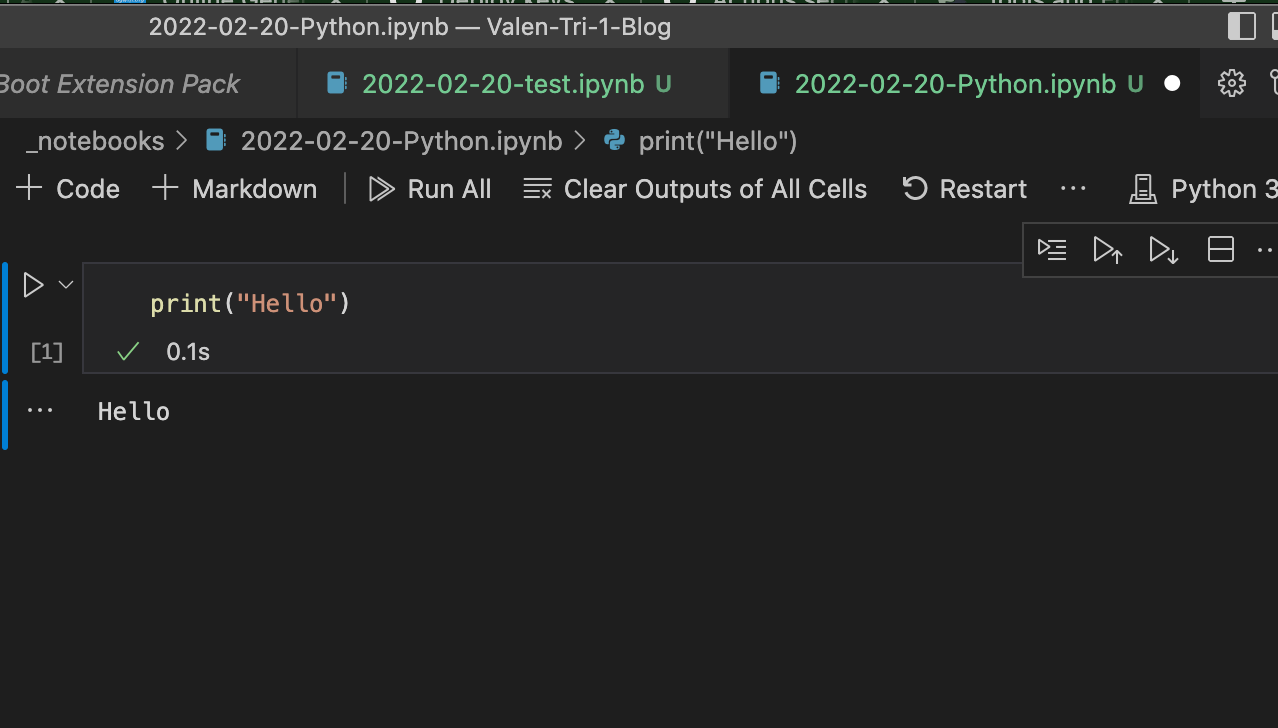
Share link to Python Jupyter notebook (_notebooks) showing usage of Python: print (“Hello”)
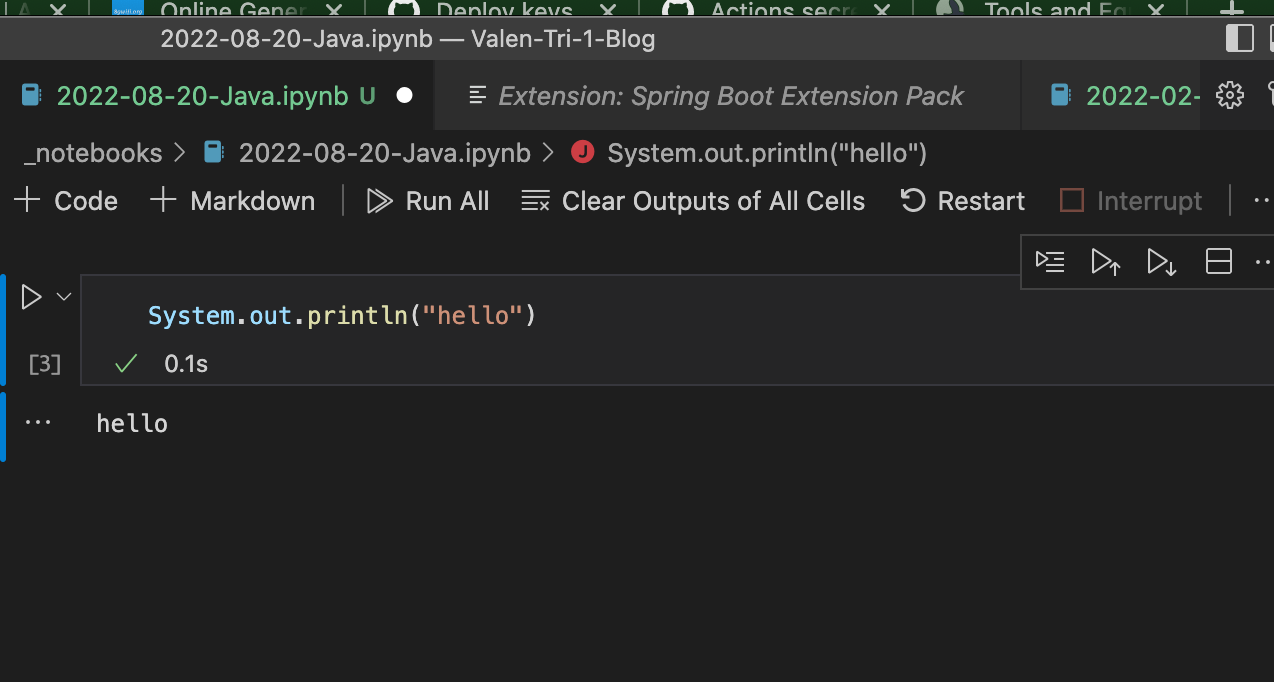
Share link to Java Jupyter notebook (_notebooks) showing usage of Java: System.out.println(“Hello”)
 )
Capture image/screen capture of Fastpages project showing use of an Integrated Development Environment (VS Studio)
Share link showing your GitHub insights. This is your personal activity of commit history.
Insights
)
Capture image/screen capture of Fastpages project showing use of an Integrated Development Environment (VS Studio)
Share link showing your GitHub insights. This is your personal activity of commit history.
Insights
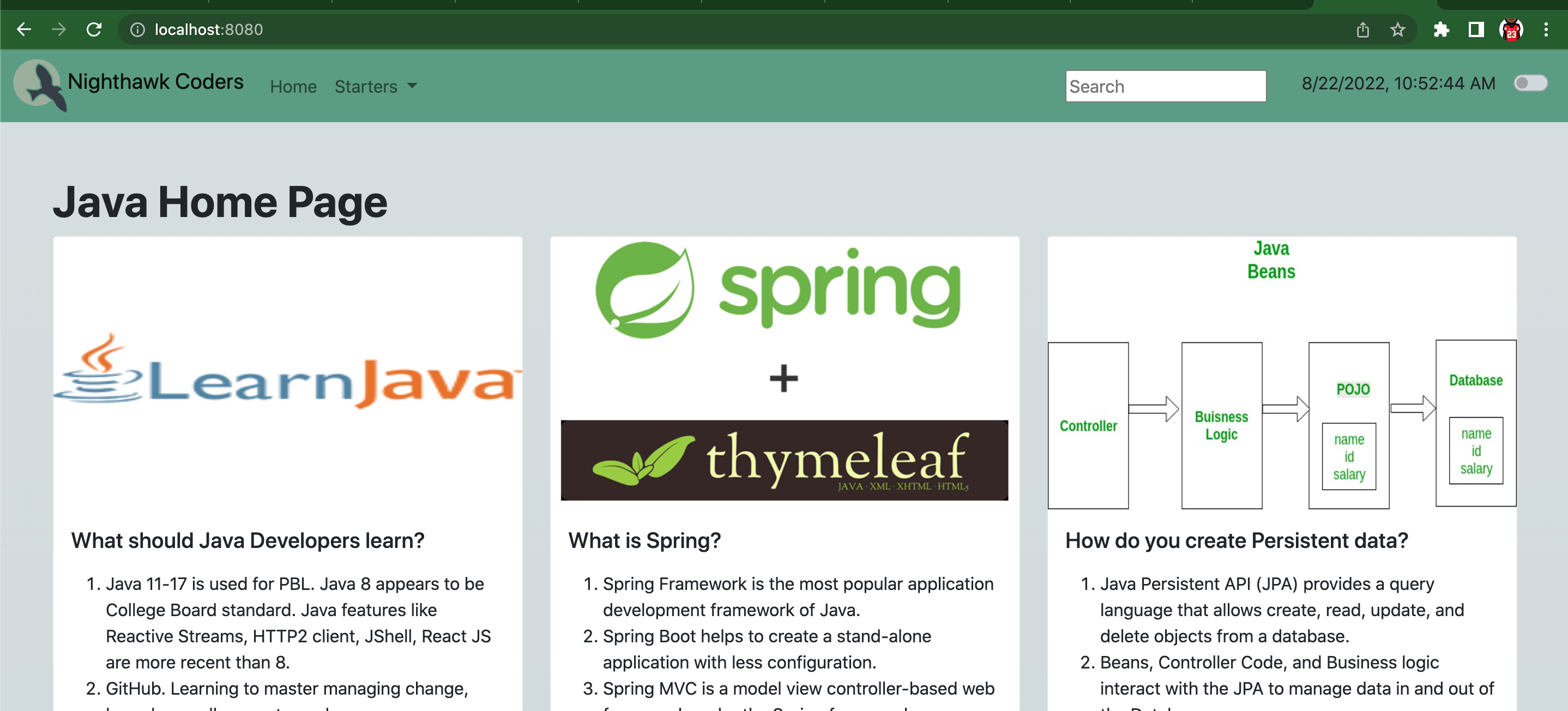
Part 2 - Java Project - Screen Capture Java project running on personal laptop localhost:0.0.0.0:8080 - Share link of GitHub code commit Java on project